Works with your setup
Audio-reactive visuals for YouTube streams and music videos
SYQEL powers the visual layer for YouTube music streams and creates reactive video content for track uploads — everything driven by the live audio, nothing pre-rendered.
Free to try · Windows & macOS · No card required
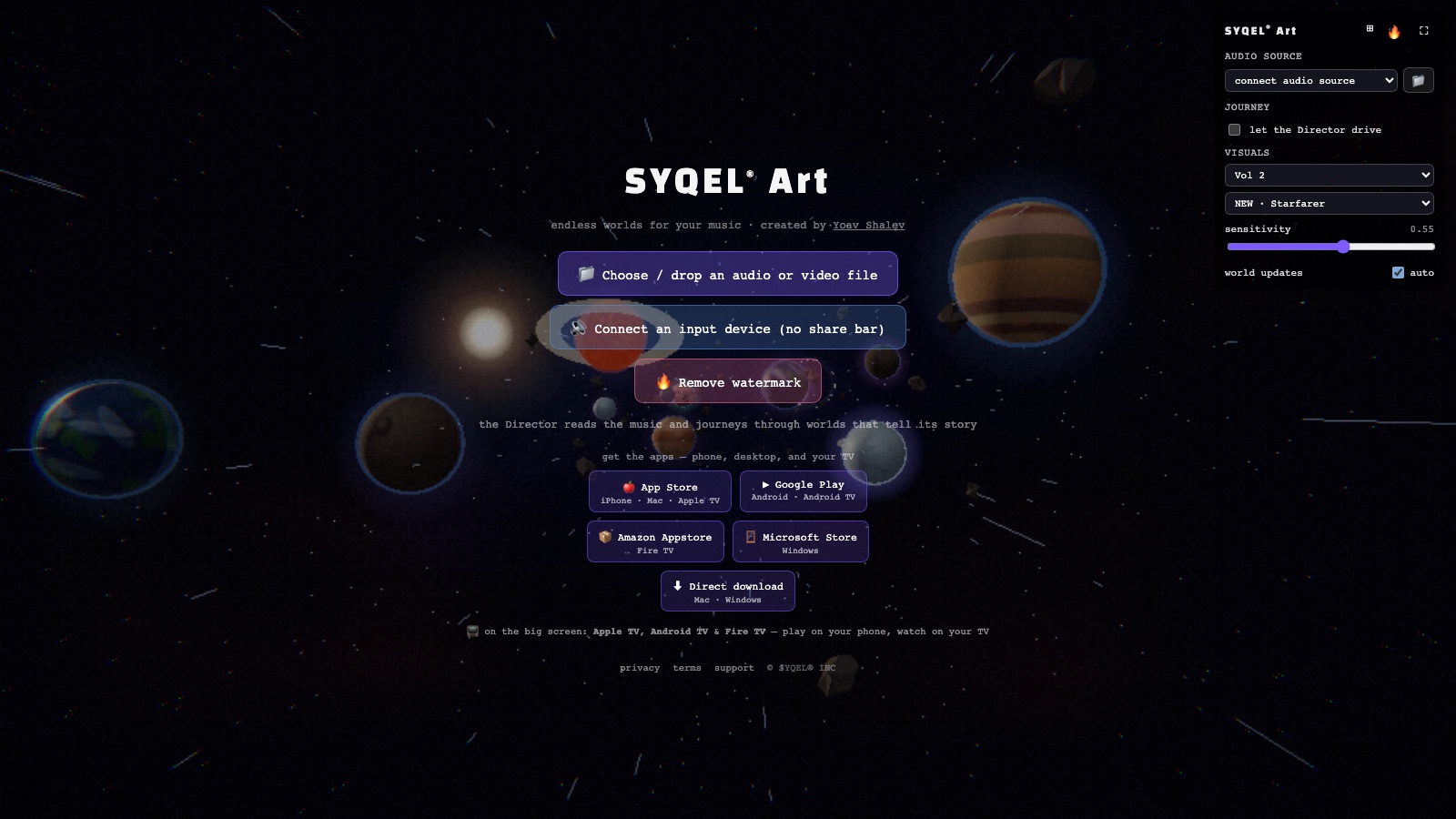
Running a screen you control, with your own branding? SYQEL Desktop →
YouTube serves two distinct audiences for music creators: live stream viewers who tune into DJ sets and listening parties, and on-demand viewers who discover tracks through Shorts, music videos, and release uploads. SYQEL serves both. For live streams, it provides a reactive visual backdrop that feeds into OBS over Spout or Mac Screen Share. For uploaded content, it generates the reactive video against any audio track that performs better in the YouTube algorithm than a static image and converts passive listeners into channel followers.
How SYQEL works with YouTube
For live streams: feed SYQEL into OBS
SYQEL reacts to your system audio in real time. Use Spout on Windows or Mac Screen Share on macOS to feed the live visual into OBS as a scene source for your YouTube stream.
For uploads: record a reactive take
Play a finished track alongside SYQEL, record the reactive visual output, and export a video file ready to upload as a music video or YouTube Short.
Brand and scale the output
Add your channel name and logo with SYQEL Pro branding, and switch between thousands of presets or AI-generated shaders to keep each video visually distinct.
Reactive video content that drives discovery
Uploaded music with reactive visuals outperforms static image uploads in watch time and shares — key signals for YouTube's recommendation algorithm.
A different look for every upload
Generate a custom audio-reactive shader for each release so your channel has visual variety rather than a repeated template.
Live stream visual that matches the energy
Whether you are streaming a DJ set, a listening party, or a produced session, the visuals move with the music in real time.
Direct OBS integration for streams
Spout and Mac Screen Share deliver a clean, high-resolution visual feed into OBS without screen capture, ready for your YouTube live setup.
Frequently asked questions
Can I create a music video for a YouTube upload using SYQEL?
Yes. Play your track through any media player while SYQEL runs alongside it, record the reactive visual as a video file, and you have a music video ready to upload. Many creators use this approach for singles, album releases, and YouTube Shorts.
Does SYQEL work with YouTube Music if I use it for background audio on stream?
SYQEL reacts to whatever audio your system outputs, including YouTube Music playing in a browser. Keep in mind that streaming copyrighted music on YouTube Live carries licensing implications separate from SYQEL's functionality.
What resolution can SYQEL output for YouTube?
SYQEL renders visuals based on the resolution of the display or the Spout/Mac Screen Share output configuration. For YouTube uploads, run it at 1080p or 4K and record at that resolution for best results.
Related setups
Make your sound look as good as it feels.
Every SYQEL is free to try. Answer a few questions and we’ll point you at the right one.