For your craft
A reactive backdrop your stream will be known for
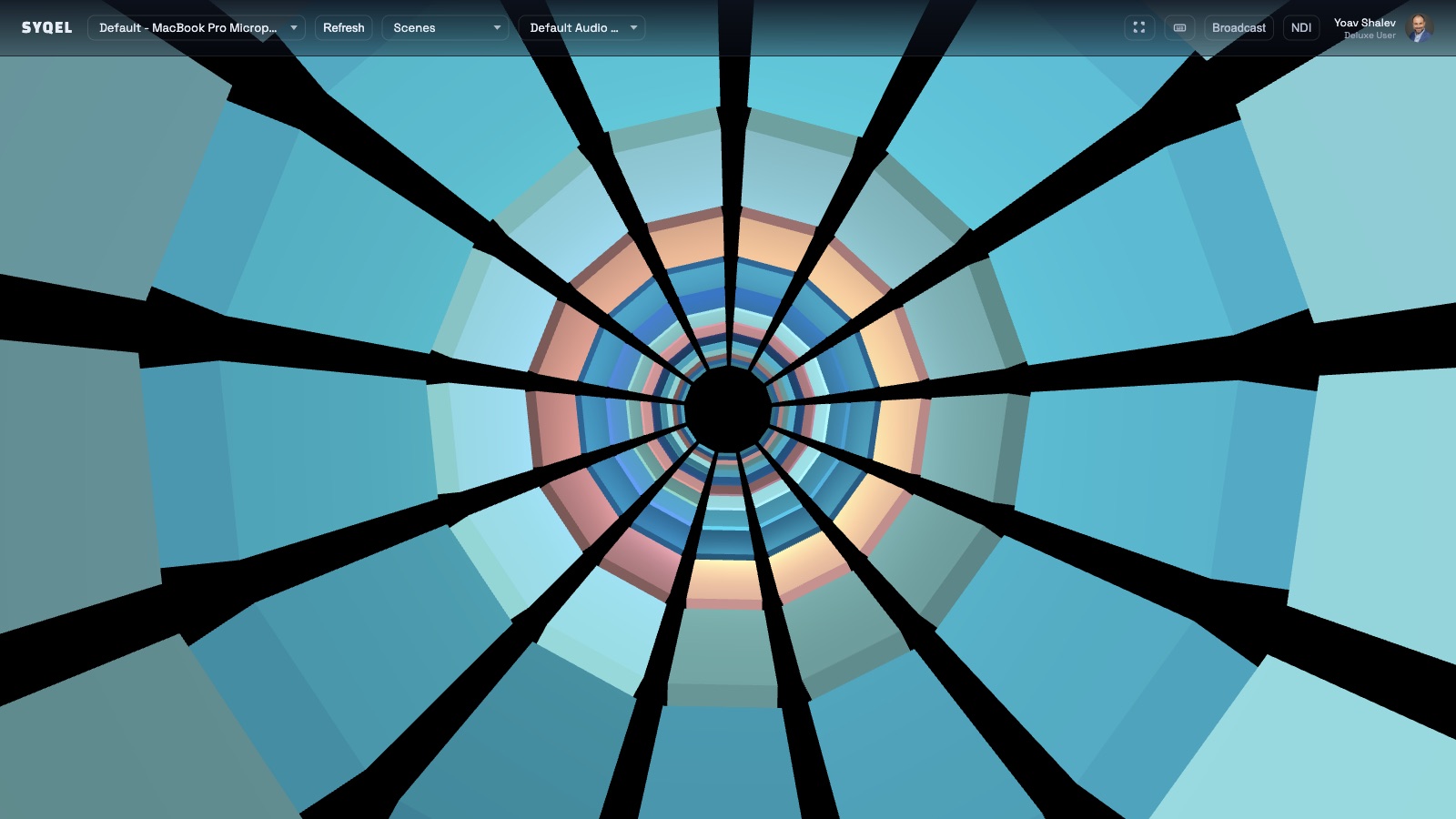
Static overlays and looping videos look the same whether the music is peaking or paused. SYQEL generates a visual layer that actually moves with your audio — and it runs the entire stream directly inside OBS.
Free to try · Windows & macOS · No card required
Want the show fully automated? SYQEL Live →
Music streams live or die on atmosphere. A reactive visual background that responds to every bass hit and frequency shift tells your audience something is happening right now — not a recording, not a loop. SYQEL feeds directly into OBS as a Spout or NDI source so it sits in your scene like any other layer, lets you stack it under or over your cam, and keeps running without a second monitor or extra hardware. Brand it with your logo and marquee text so every clip and screenshot carries your identity.
How SYQEL works with streamers
Add it to OBS in minutes
SYQEL sends its output into OBS via Spout (Windows) or NDI — it appears as a source in your scene list so you can position, mask, and blend it exactly like any other layer.
It reacts to whatever you play
No track list to build, no clips to sync. Play anything through your setup and SYQEL reads the live audio — the visuals move with the energy of what's actually on.
Brand it for your channel
Add your logo and scrolling marquee text so every VOD, clip, and screenshot carries your name without additional graphics work during the stream.
Runs inside OBS natively
No screen-capture lag or window-management overhead. SYQEL is a clean source in your OBS scene that you position and blend like any other element.
Reacts to every track live
Whether it's a DJ mix, a lo-fi playlist, or a live band, the visuals respond to the actual audio in real time — not a pre-rendered loop.
Your brand, always visible
Logo overlay and marquee text are built in. Your channel name is on screen all stream long, and every clip is branded automatically.
Thousands of looks to choose from
Pick from a large preset library or generate a custom shader with a text prompt to match your stream's aesthetic without any design work.
Frequently asked questions
How does SYQEL get into OBS?
On Windows it uses the Spout protocol — install the free Spout2 OBS plugin and SYQEL appears as a source. NDI also works on both Windows and macOS and requires no extra plugin on recent OBS versions.
Will it work with a lo-fi or ambient music stream, not just high-energy DJ sets?
Yes. The FFT engine scales to the energy of whatever is playing. Quieter, more textural music produces subtler, slower visual movement. You can also choose presets that look great at low energy and still respond visibly.
Can I use it for a YouTube music stream as well as Twitch?
Absolutely. SYQEL sends to OBS regardless of where OBS is streaming — Twitch, YouTube, Kick, or any RTMP destination. The workflow is identical across platforms.
Related setups
Make your sound look as good as it feels.
Every SYQEL is free to try. Answer a few questions and we’ll point you at the right one.