Works with your setup
A live visual backdrop for your Twitch music streams
SYQEL gives Twitch music and DJ streams a reactive visual layer that moves with every beat, drop, and energy shift — standing out in a category where most streams look alike.
Free to try · Windows & macOS · No card required
Want the show fully automated? SYQEL Live →
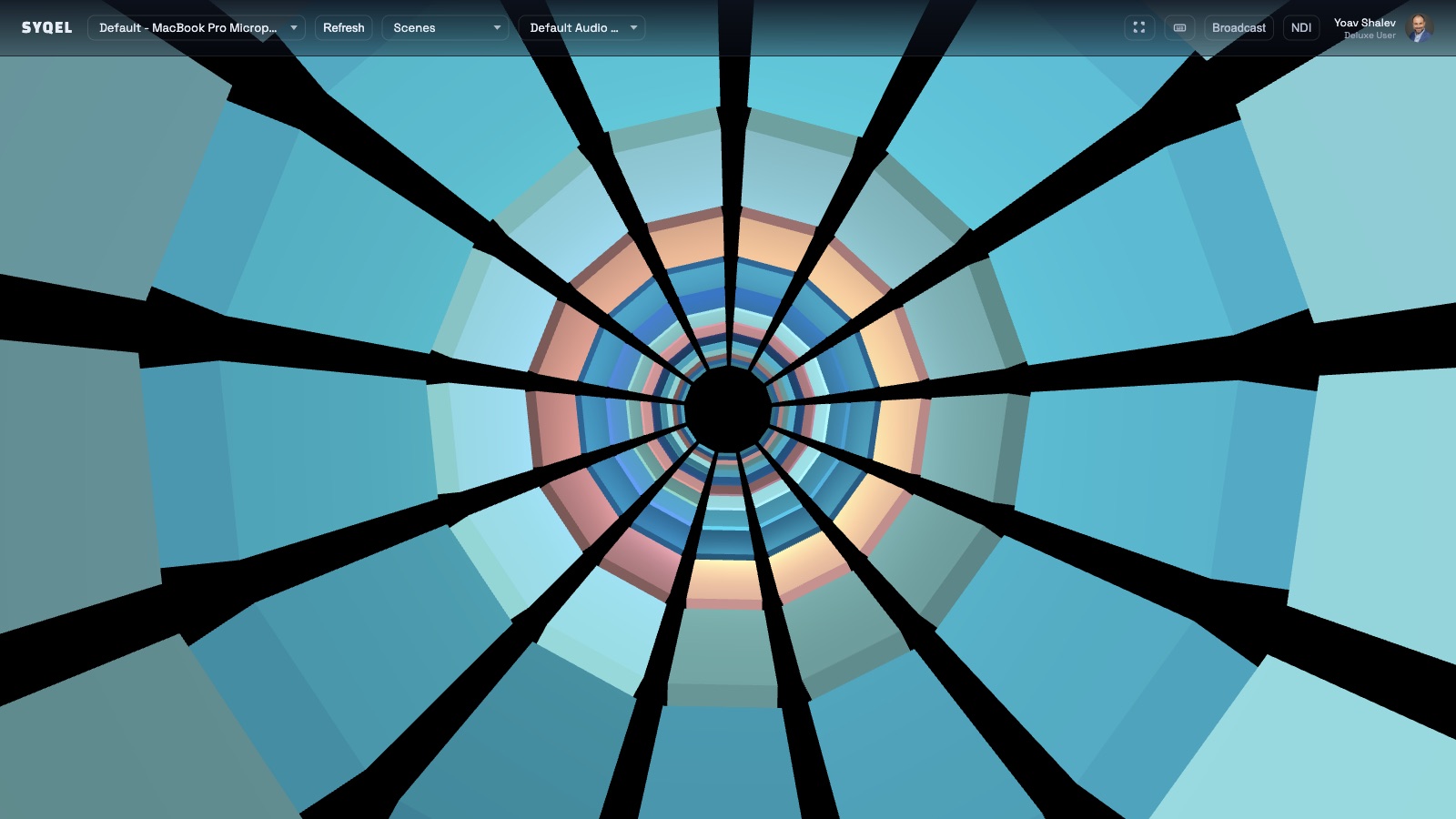
The Twitch music and DJ categories are crowded, and the visual component is what separates a stream that gets followed from one that gets skipped. A static webcam and album art hold a viewer for seconds; a reactive visual environment that pulses with the music holds them through a set. SYQEL generates that environment in real time from your audio output — no pre-made loops, no VJ to hire — and feeds it directly into OBS over Spout or Mac Screen Share as a clean, full-resolution source you can layer, resize, and brand with your channel identity.
How SYQEL works with Twitch
Start SYQEL and select your audio source
SYQEL reacts to whatever your computer is playing — a DJ set, a produced track, a live instrument, or music streamed from any app.
Feed the output into OBS
Use Spout on Windows or Mac Screen Share on macOS to send SYQEL's visual feed directly into OBS as a scene source — no screen capture required.
Build your stream scene around it
Layer your webcam, panels, alerts, and overlays over the reactive background. Switch presets between segments to keep the stream visually dynamic.
Stands out in the DJ and music category
A live reactive visual environment is rare in music streams. Viewers notice it and stay longer when the screen is as dynamic as the audio.
Endless visual variety
Switch between thousands of presets or generate custom shaders to keep long streams visually fresh and avoid the repeated-loop feeling.
Match the visual to your channel brand
Generate a look that fits your channel aesthetic using AI shader creation, and add your name and logo with SYQEL Pro branding.
Clean OBS integration via Spout or Mac Screen Share
No browser source, no window capture. SYQEL feeds directly into OBS as a proper video source — reliable, full-resolution, and low-latency.
Frequently asked questions
Will SYQEL react to music I play through Spotify or a DJ app on stream?
Yes. SYQEL reacts to the audio your computer plays regardless of the source. Play music through Spotify, a DJ app, or any other software and SYQEL drives a live reactive visual from that output.
Do I need two monitors to stream SYQEL through OBS?
No. SYQEL uses Spout or Mac Screen Share to send its output directly to OBS as a video source — the SYQEL window does not need to be fullscreen or even visible on your main display during the stream.
Can I use my Twitch channel name or logo on the visuals?
Yes. SYQEL Pro lets you add a custom logo and marquee text to the visual output, so your channel identity stays present throughout the stream.
Make your sound look as good as it feels.
Every SYQEL is free to try. Answer a few questions and we’ll point you at the right one.