Works with your setup
A reactive visual layer that feeds directly into OBS
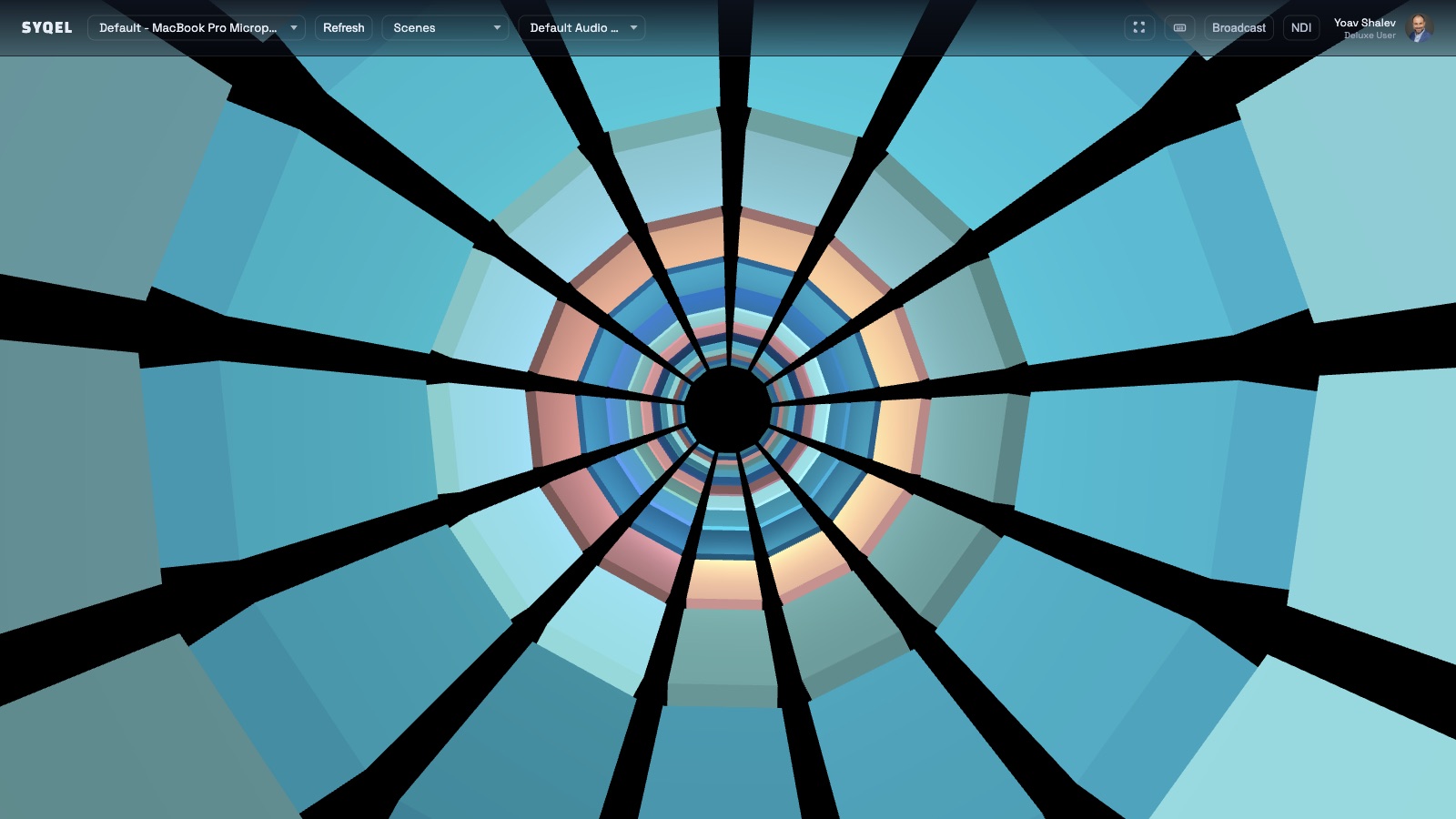
SYQEL sends its audio-reactive visuals into OBS as a clean video source over Spout on Windows or Mac Screen Share on macOS — no browser source, no window capture, no signal degradation.
Free to try · Windows & macOS · No card required
Want the show fully automated? SYQEL Live →
OBS is the hub of most serious music and DJ streaming setups, and the visual layer is one of its hardest elements to do well. Browser-source visualizers add latency and limit resolution; screen-capture workarounds introduce frame drops and aspect-ratio compromises. SYQEL bypasses all of that by outputting directly into OBS as a Spout or Mac Screen Share source — a clean, full-resolution, zero-capture feed that reacts to whatever audio your system is playing. The result is a visual layer that behaves like a proper camera or media source rather than a browser widget.
How SYQEL works with OBS
Run SYQEL and let it react to your audio
SYQEL listens to your system or device audio and drives reactive visuals in real time from beat, bass, and frequency analysis.
Send the output to OBS via Spout or Mac Screen Share
On Windows, use Spout; on macOS, use Mac Screen Share. Both deliver a live, full-resolution video feed directly into OBS as a proper scene source — no capture required.
Place and layer it in your OBS scene
Add the SYQEL source to any scene, resize or mask it, and composite it behind your webcam, overlays, and alerts like any other OBS source.
A real source, not a workaround
Spout and Mac Screen Share deliver a full-resolution video signal into OBS that OBS treats as a proper source — no browser, no screen capture, no latency stack.
Reacts to any audio OBS is streaming
Music streams, DJ sets, radio-style shows — as long as audio is playing on your system, SYQEL reacts to it and feeds OBS in real time.
Thousands of looks ready to use
Switch presets between scenes or OBS scene transitions to match the energy of different segments in your stream.
Custom visuals for your stream brand
Generate a bespoke shader that fits your stream identity using a text description, or add your logo with SYQEL Pro branding tools.
Frequently asked questions
How exactly does SYQEL integrate with OBS — do I need a plugin?
On Windows, install the free OBS Spout plugin and add a Spout capture source in OBS. On macOS, install the OBS Mac Screen Share plugin and add a Mac Screen Share source. SYQEL outputs to those protocols and OBS picks it up as a live video source.
Can I use SYQEL as a background visualizer behind my face cam in OBS?
Yes. Add the SYQEL Spout or Mac Screen Share source to your OBS scene, place it as a background layer, and position your webcam source on top. Mask, crop, and blend it exactly as you would any other OBS source.
Does it work if I am streaming music from Spotify or a DJ app through OBS?
Yes. As long as SYQEL can hear the audio your system is playing — from Spotify, a DJ app, or any other source — it drives the visual output and feeds it into OBS in real time.
Make your sound look as good as it feels.
Every SYQEL is free to try. Answer a few questions and we’ll point you at the right one.