Works with your setup
Send audio-reactive visuals from SYQEL into Resolume
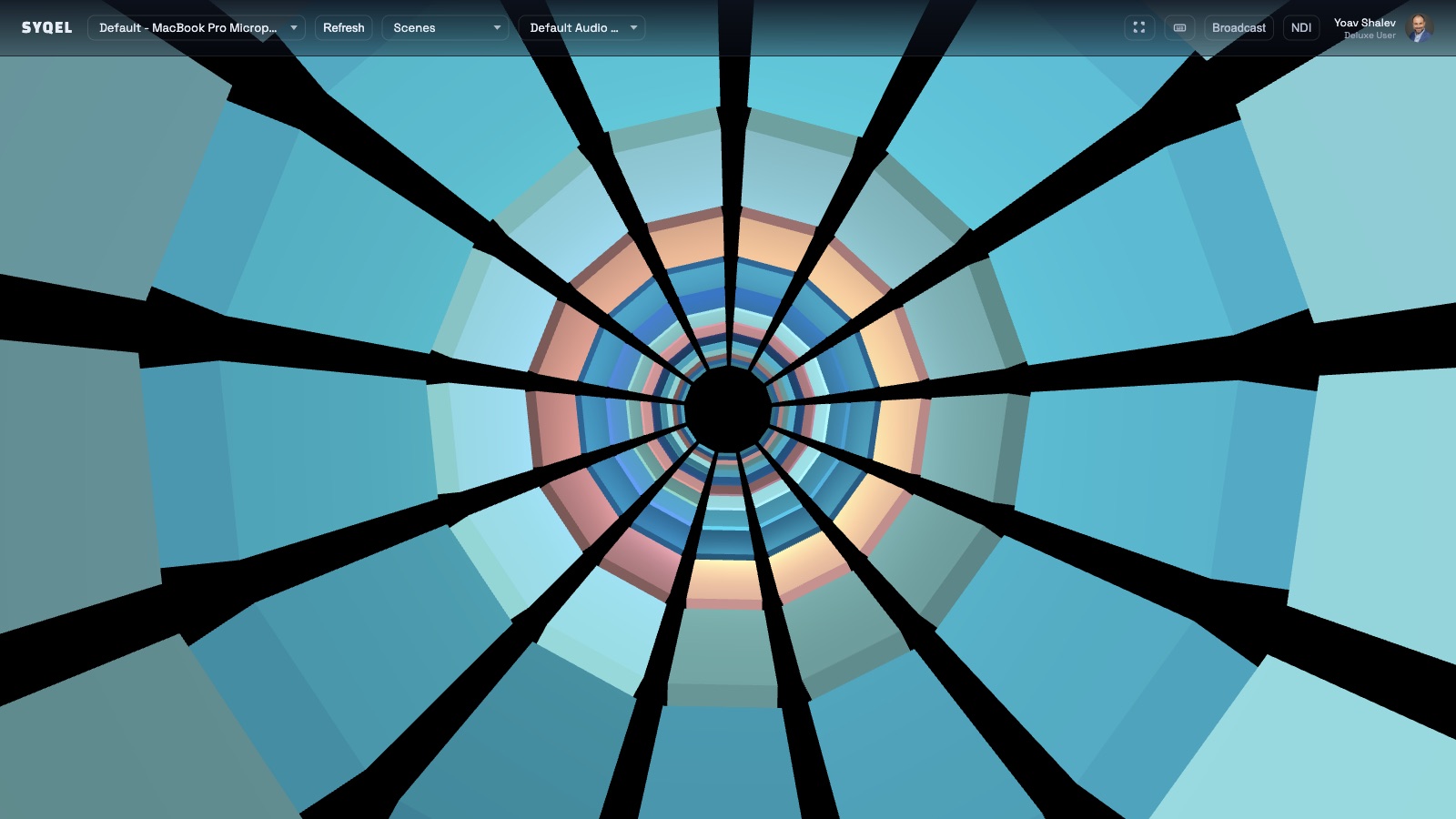
SYQEL generates live audio-reactive visuals and feeds them into Resolume Avenue or Arena via Spout or NDI — a fresh reactive source alongside your existing clip library.
Free to try · Windows & macOS · No card required
Want the show fully automated? SYQEL Live →
Resolume is the tool professional VJs and installation artists use to composite, effect, and output video at scale. SYQEL complements it rather than competing with it: where Resolume excels at clip management, BPM sync, and multi-output mapping, SYQEL excels at generating visuals that are genuinely audio-reactive in real time — driven by FFT analysis of the live audio rather than pre-rendered loops. By sending SYQEL's output into Resolume as a Spout or NDI source, VJs gain a reactive content layer that responds to frequency and energy rather than a clock, and can apply Resolume's full effects and compositing stack on top of it.
How SYQEL works with Resolume
Run SYQEL and react to the venue audio
SYQEL reads the DJ or live audio playing in the venue. Its FFT engine analyzes beat, bass, energy, and frequency and drives a reactive visual output in real time.
Send the feed into Resolume via Spout or NDI
On Windows, use Spout to deliver a zero-latency video feed into Resolume Avenue or Arena as a source clip. On Mac or over a network, use NDI.
Composite and effect in Resolume as normal
The SYQEL feed appears as a live source in Resolume's clip grid. Apply effects, blend modes, and masks exactly as you would with any other source in your rig.
Genuinely audio-reactive content in your clip deck
Unlike pre-rendered loops, SYQEL reacts to what is actually playing in real time. Bass hits land visually when they land sonically.
Thousands of reactive looks, ready to send
Switch between Milkdrop, Three.js, and GLSL presets inside SYQEL and the change flows into Resolume immediately through the Spout or NDI source.
Generate custom shaders for a specific event
Describe the visual mood required for a show and SYQEL generates a new audio-reactive shader in seconds — a source clip that did not exist before the event.
Low-latency, high-resolution delivery
Spout on Windows delivers a full-resolution video feed with near-zero latency — no screen capture, no compression artifacts, no sync issues.
Frequently asked questions
What is the technical setup for feeding SYQEL into Resolume via Spout?
Run SYQEL on Windows and enable Spout output from within SYQEL. In Resolume Avenue or Arena, add a Spout source by selecting it from the source input options. The SYQEL feed appears as a live clip that you can trigger and effect like any other source.
Can I use SYQEL as a Resolume source over NDI for a multi-machine rig?
Yes. Enable NDI output in SYQEL and add an NDI source in Resolume. This works across machines on the same network, which is useful in venue rigs where SYQEL runs on a dedicated visual machine and Resolume runs on a separate output machine.
Does SYQEL conflict with Resolume's own BPM sync or audio analysis?
No. SYQEL is an external source feeding video into Resolume — it does not interfere with Resolume's internal BPM engine or audio analysis. The two systems operate independently, which means you can use Resolume's beat sync for other clips while the SYQEL source reacts to the actual audio energy.
Make your sound look as good as it feels.
Every SYQEL is free to try. Answer a few questions and we’ll point you at the right one.