For your craft
Audio-reactive visuals that fit your existing rig
You're already managing layers and outputs. SYQEL adds a live audio-reactive source that feeds into Resolume, OBS, or the venue rig — no screen-capture hacks, no separate timeline to babysit.
Free to try · Windows & macOS · No card required
Want the show fully automated? SYQEL Live →
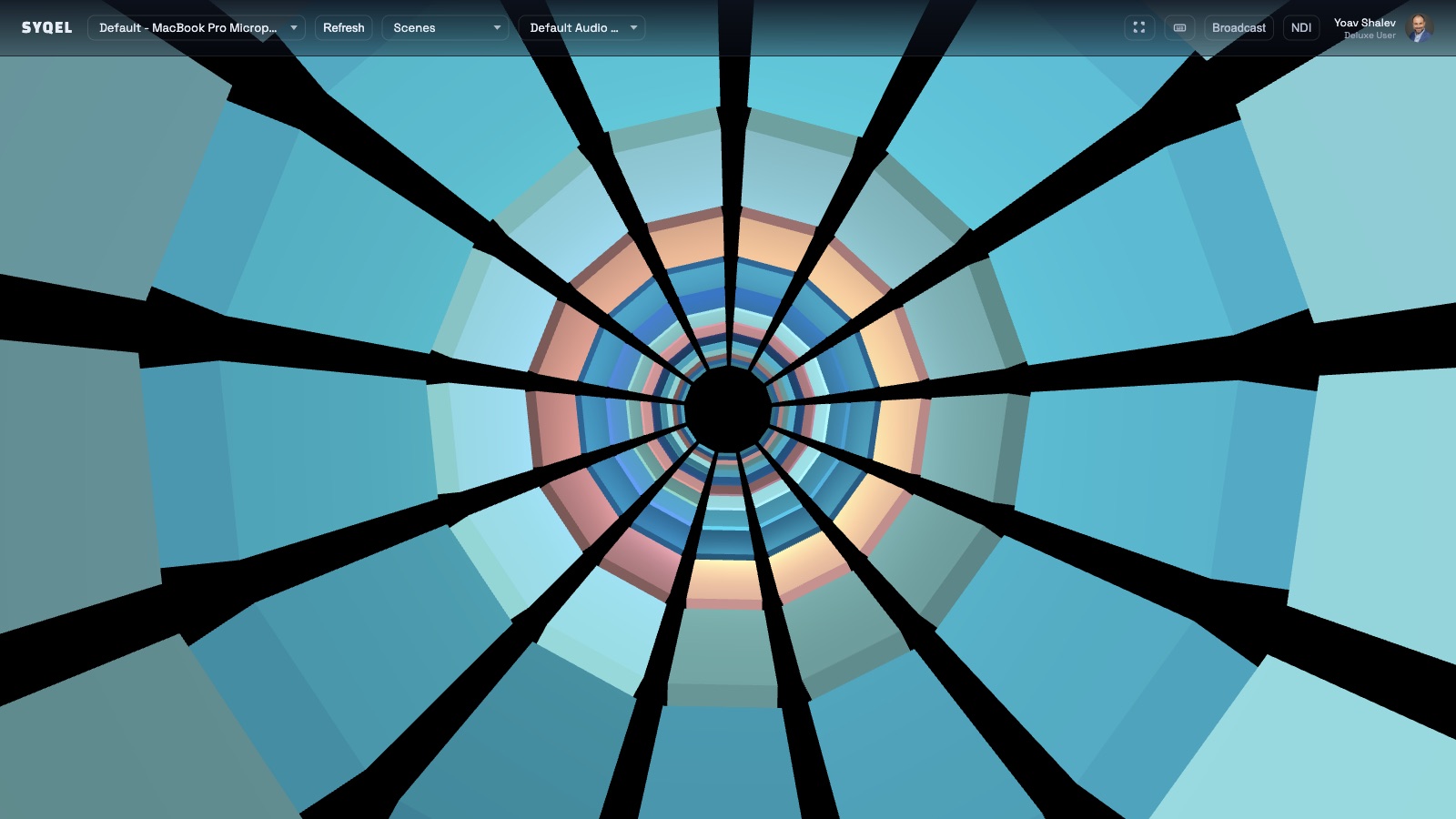
Most VJ tools put you in charge of triggering everything manually. SYQEL handles the audio-reactive layer automatically — its FFT engine reads the live signal and drives every visual frame from bass hits to frequency sweeps — so your hands stay on composition and layer mixing instead of chasing the beat. When the DJ drops an unplanned track or the energy suddenly shifts, the visuals follow without you touching anything. Feed it into your stack over Spout on Windows or Mac Screen Share on macOS, route it network-wide over NDI, and it behaves like any other source in your chain.
How SYQEL works with VJs
Plug into your stack
SYQEL outputs a clean video signal over Spout (Windows), Mac Screen Share, or NDI. It appears as a native source in Resolume, OBS, and any venue rig that accepts those feeds — no screen capture.
Reactivity handles itself
The FFT engine reads your live audio and drives every visual automatically. Bass, beat, and energy control the frame so you can focus on layer composition instead of keeping visuals in time.
Build a content library with AI
Describe a look in plain language and SYQEL generates a custom audio-reactive GLSL shader in seconds. Save it to your private library and recall it mid-set like any other preset.
Native source, not a capture
Spout, Mac Screen Share, and NDI outputs mean Resolume and your venue rig see SYQEL as a real video source — no lag, no window-capture artifacts.
Frees your hands for mixing
Auto-reactivity means the beat-sync layer runs itself. You spend that attention on layer composition, effects, and reading the room.
Expand your library in minutes
AI shader generation turns a plain-language description into a new audio-reactive preset instantly — practical for building client-specific looks before a gig.
Scales from club to festival
Run a single output for a small room or route multiple NDI streams to separate zones in a larger venue rig without additional hardware.
Frequently asked questions
Does SYQEL work inside Resolume as a source?
Yes. On Windows, SYQEL outputs over Spout and Resolume Arena/Avenue picks it up as a native source layer. On macOS, Mac Screen Share serves the same role. NDI is available on both platforms for network-routed setups.
Can I sync SYQEL to a specific BPM or MIDI clock?
SYQEL reacts to the live audio signal itself — the FFT engine reads actual beats and bass in real time. This means it follows the music as played rather than a static BPM value, so it stays accurate through tempo changes and live band performances.
How fast is the AI shader generation?
Most shaders generate in a few seconds from a plain-language prompt. You can save them to a private library and recall them in Resolume or any other output exactly like a built-in preset.
Make your sound look as good as it feels.
Every SYQEL is free to try. Answer a few questions and we’ll point you at the right one.