Works with your setup
Audio-reactive visuals for Cubase sessions
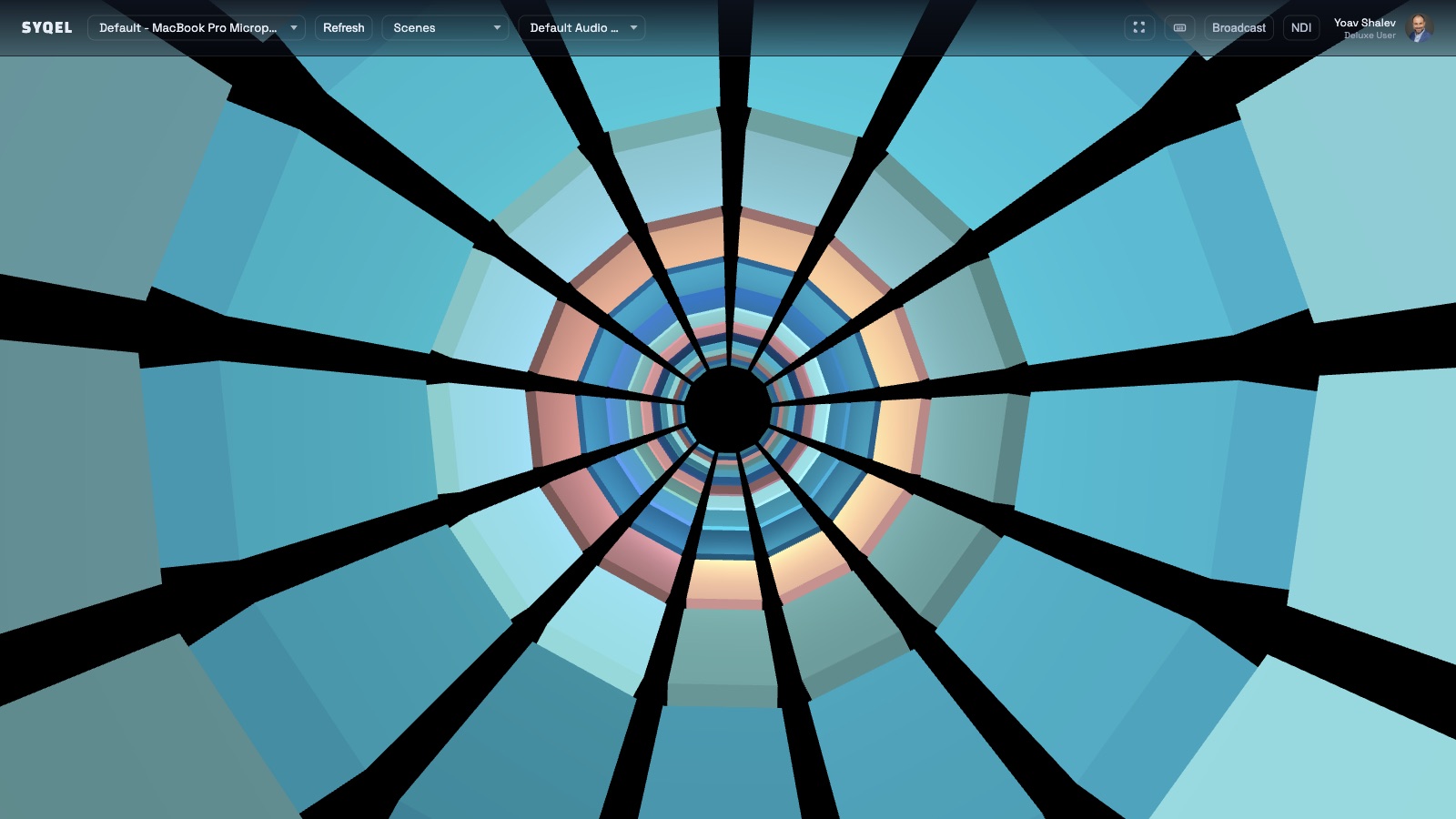
SYQEL reacts to Cubase's audio output in real time, giving you a visual companion during production sessions and shareable reactive content for every release.
Free to try · Windows & macOS · No card required
Want the show fully automated? SYQEL Live →
Cubase attracts producers and engineers who take arrangement and mix depth seriously — it is a DAW built for those who want precise control over dynamics, pitch, and space. SYQEL brings a complementary layer to that environment: a live reactive visual that responds to the mixed audio output rather than individual tracks. During a session, it makes the energy arc of an arrangement immediately visible. When a project ships, it turns a finished mix into reactive content that performs on social platforms in a way that album artwork alone cannot.
How SYQEL works with Cubase
Run SYQEL while Cubase plays back
No VST, no external send, no changes inside Cubase. SYQEL runs separately and reads the audio coming out of your interface or system output.
The reactive engine activates immediately
Beat detection, energy analysis, and frequency reading all happen in real time. The visual output tracks your session frame by frame.
Use it during mixing or capture it for release
Let it run during a mix to watch energy dynamics, or record the visual output against a finished export to build release promo content.
Visualize the energy arc of your arrangement
Watch how energy builds, peaks, and releases across a Cubase arrangement — a useful complement to metering during mixing and mastering.
Content for every release, no video skills needed
Record a reactive take over a finished Cubase mixdown and you have a professional-looking promo video ready for any platform.
AI-generated visuals that fit the project
Describe the sonic and aesthetic character of a track and SYQEL generates a matching audio-reactive shader on demand.
Live stage and broadcast integration
Send SYQEL's output into Resolume or OBS via Spout, Mac Screen Share, or NDI for productions that move from studio to stage.
Frequently asked questions
Does SYQEL require a Cubase plug-in or external FX send?
No. SYQEL reads the audio from your system or interface output while Cubase runs. You do not need to add anything to your Cubase project to make it work.
Can SYQEL help me visualize stem or bus outputs from Cubase?
SYQEL reacts to whatever audio reaches the device it is listening to. To visualize a specific bus, route that bus to a separate output on your interface and select it in SYQEL.
Is SYQEL available on Windows, where most Cubase users work?
Yes. SYQEL runs on Windows and macOS. On Windows you can also use Spout for zero-latency output into OBS or Resolume.
Related setups
Make your sound look as good as it feels.
Every SYQEL is free to try. Answer a few questions and we’ll point you at the right one.