Works with your setup
Audio-reactive visuals for Ableton Live producers
SYQEL reacts to whatever Ableton Live is playing, letting you watch your production breathe as you build it — and create shareable reactive visuals when you are ready to release.
Free to try · Windows & macOS · No card required
Want the show fully automated? SYQEL Live →
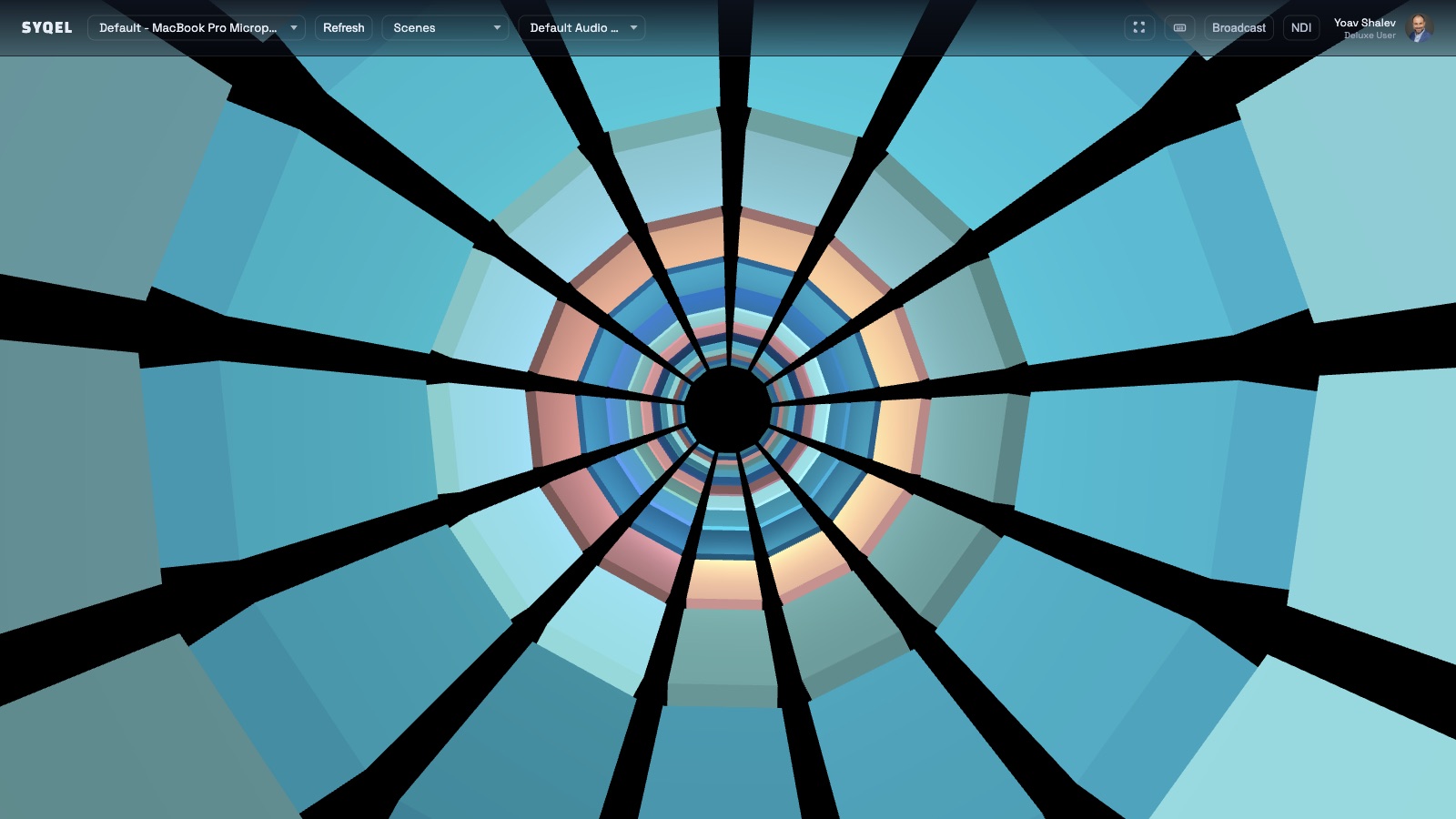
Ableton Live users spend hours listening closely to their mixes — adjusting compression, balancing stems, and chasing a sound that feels alive. SYQEL turns that careful listening into something visible. As your session plays, the visual engine reads the audio in real time and translates the dynamic relationships between your kick, bass, and synths into movement on screen. When a track is finished, the same engine produces the reactive video content that makes a release stand out on Instagram Reels, TikTok, and YouTube Shorts.
How SYQEL works with Ableton Live
Open SYQEL while Ableton runs
No Max for Live device, no plugin. SYQEL is a separate app that reads the audio Ableton is routing to your interface or system output.
Watch your session in real time
Play back any arrangement or launch clips in Session View. SYQEL's FFT engine reads beat, energy, and frequency balance live as the audio leaves Ableton.
Export reactive video for release promo
When your track is mixed, record a reactive visual take in SYQEL and share the video to Reels, TikTok, or YouTube to accompany the release.
See the mix as you make it
A reactive visual running alongside Ableton gives you a different perspective on the energy and dynamics of a track as you compose and arrange.
Release promo that moves
Static artwork gets passed over. A reactive video tied to the actual audio of your track performs better on social and signals production quality.
AI-generated aesthetics for each project
Describe the visual style that fits a track and SYQEL generates a custom audio-reactive shader — a different look for every release without manual design work.
Feed visuals into a live performance rig
Running Ableton live on stage? Pipe SYQEL's output into Resolume or OBS via Spout, Mac Screen Share, or NDI for a reactive visual component.
Frequently asked questions
Does SYQEL need a Max for Live device or any Ableton plugin?
No. SYQEL reads the audio your system outputs while Ableton is running — no Max for Live device, no plugin install, and no changes to your Ableton project files.
Can I use SYQEL to make promotional videos for my Ableton tracks?
Yes. Play your finished track through Ableton while SYQEL runs alongside it, then record the visual output as a video. The result is a reactive promo clip that responds to the actual audio of your release.
Does it work with Ableton's audio routing and Rewire setups?
As long as audio is reaching your system output or audio interface, SYQEL can read it. Complex routing setups may need a loopback device to capture internal audio, but the reaction engine itself is format-agnostic.
Make your sound look as good as it feels.
Every SYQEL is free to try. Answer a few questions and we’ll point you at the right one.