Works with your setup
Reactive visuals for FL Studio beats and productions
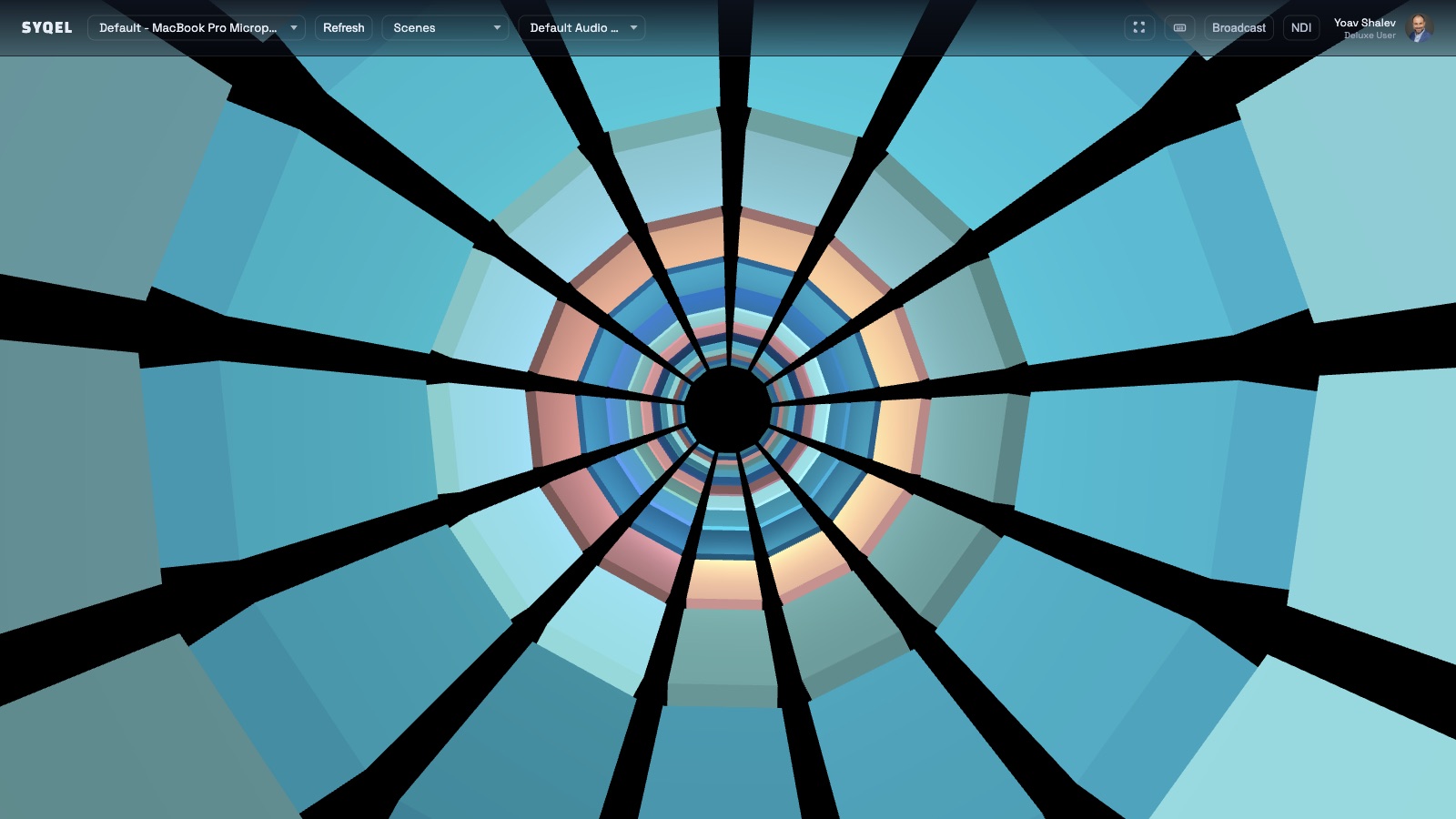
SYQEL listens to FL Studio's output and turns your production sessions — and your finished tracks — into live audio-reactive visual experiences.
Free to try · Windows & macOS · No card required
Want the show fully automated? SYQEL Live →
FL Studio producers work in a pattern-based environment where a beat comes together loop by loop and the final track emerges from layered blocks of sound. SYQEL connects to that process at the audio output level, reacting to the composite mix as it plays — not individual stems or patterns. That means whether you are auditioning a new bass patch, rendering a full arrangement, or playing back an export for a final listen, SYQEL gives you a reactive visual interpretation of what you hear. And when it is time to promote a finished track, the same engine produces the content that platforms reward.
How SYQEL works with FL Studio
Play your FL Studio project
SYQEL runs alongside FL Studio as a separate app. Select your audio output device in SYQEL and the reactive engine activates as soon as audio flows from FL Studio.
Visualize patterns, channels, or the mix
SYQEL reacts to the composite audio output — so playing a finished mix, a rough loop, or a single channel all drive the visual engine.
Create release promo content
Record the reactive visual output against your exported track to create a beat video or promo clip ready for YouTube, TikTok, and Instagram Reels.
A new lens on your mix
Watching the visual react to bass weight, high-hat density, and chord swells gives you spatial feedback that headphone listening alone does not.
Beat visuals without a video editor
Record a reactive visual take over your finished beat and you have a shareable video clip without touching After Effects or Premiere.
Custom shaders for each project's feel
Generate a bespoke audio-reactive visual style from a text description — match the visual identity to the sonic identity of each release.
Thousands of presets to start from
Browse Milkdrop, Three.js, and GLSL presets to find a starting point, then refine or generate something original.
Frequently asked questions
Does SYQEL work with FL Studio's ASIO audio drivers?
SYQEL reads from your system output or a loopback device. If FL Studio is using ASIO exclusively, you may need a virtual audio cable to route a copy of the output to SYQEL — a quick one-time setup for producers on Windows.
Can I make beat reaction videos to post on YouTube and TikTok?
Yes. Play your track through FL Studio, record the SYQEL visual output as a screen recording or use the built-in export tools, and the result is a reactive beat video sized for any platform.
Do I need to know anything about shaders or graphics to use SYQEL?
No. The preset library works out of the box and the AI generation feature lets you describe a look in plain language. SYQEL handles all the shader logic behind the scenes.
Make your sound look as good as it feels.
Every SYQEL is free to try. Answer a few questions and we’ll point you at the right one.