Works with your setup
Live reactive visuals for Spotify listening sessions
SYQEL reacts to whatever Spotify plays on your computer — turning listening parties, venue background music, and streamed DJ sets into a live visual environment.
Free to try · Windows & macOS · No card required
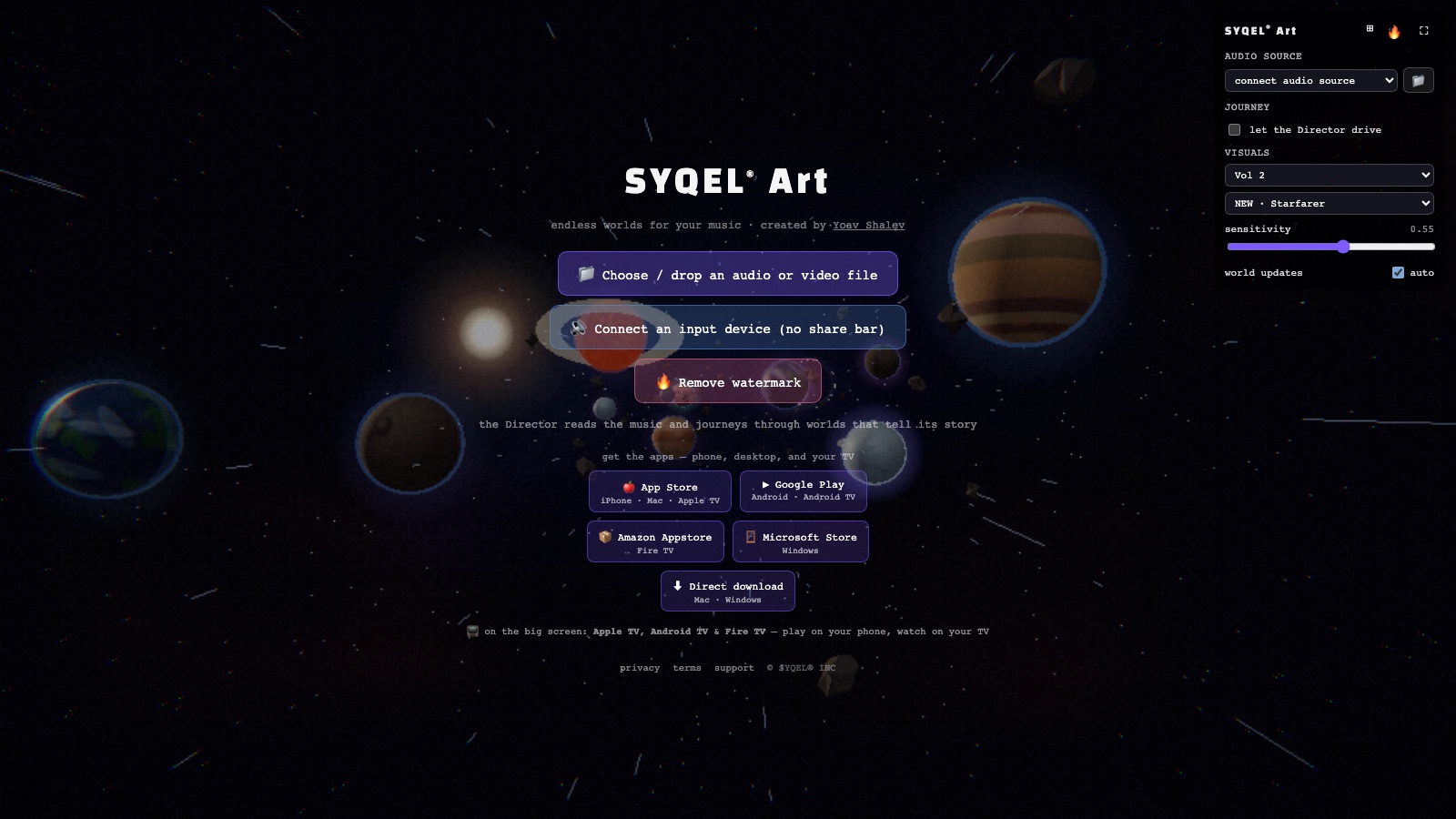
Running a screen you control, with your own branding? SYQEL Desktop →
Spotify is one of the most common background audio sources in bars, restaurants, galleries, event spaces, and creative studios. SYQEL gives that audio a visual life without requiring a playlist change or a Spotify API key: it listens to the audio your system outputs while Spotify plays and drives a reactive visual display in real time. For venue owners, event producers, and content creators who host listening parties or music-forward streams, that means a professional-looking ambient visual backdrop generated automatically from the soundtrack already playing.
How SYQEL works with Spotify
Open SYQEL while Spotify plays
No Spotify API, no app integration. SYQEL runs as a separate app and picks up the audio Spotify sends to your system output or audio device.
Select your audio source in SYQEL
Choose your system output or the device Spotify is playing through. The FFT engine starts reacting to beat, bass, and energy immediately.
Display on any screen or broadcast it
Fullscreen on a bar TV, a venue display, or a second monitor — or feed the output into OBS for a listening party or ambient stream.
Works with any Spotify playlist or podcast
SYQEL reacts to the audio, not the Spotify app itself, so it works with any playlist, curated genre mix, or audio content Spotify plays.
Venue-ready visual ambience
Thousands of preset looks let you match the visual mood to the space — understated for a cocktail lounge, energetic for a dance floor.
A custom visual for a branded event
Use AI shader generation to create a look that fits the event's identity, or add a venue or brand logo with SYQEL Pro.
Stream a listening party with a visual layer
Feed SYQEL into OBS via Spout or Mac Screen Share and your Spotify listening party stream has a reactive visual backdrop rather than a static thumbnail.
Frequently asked questions
Does SYQEL use the Spotify API or require Spotify Premium?
SYQEL does not connect to Spotify's API and does not require Premium. It reacts to the audio output of your device while Spotify plays — any Spotify plan, any playlist.
Can a bar or venue use SYQEL with Spotify for ambient visual displays?
Yes. Run SYQEL on a computer connected to the venue's audio and output the visuals to a TV or projector. As long as Spotify is playing through that computer's audio output, SYQEL reacts to it and drives the display automatically.
Does SYQEL work with the Spotify web player in a browser?
Yes. SYQEL reacts to your system audio output, which includes the Spotify web player. Enable system audio capture in SYQEL's audio source settings and it will react to browser audio alongside the desktop app.
Related setups
Make your sound look as good as it feels.
Every SYQEL is free to try. Answer a few questions and we’ll point you at the right one.