Works with your setup
Turn your GarageBand tracks into reactive visuals
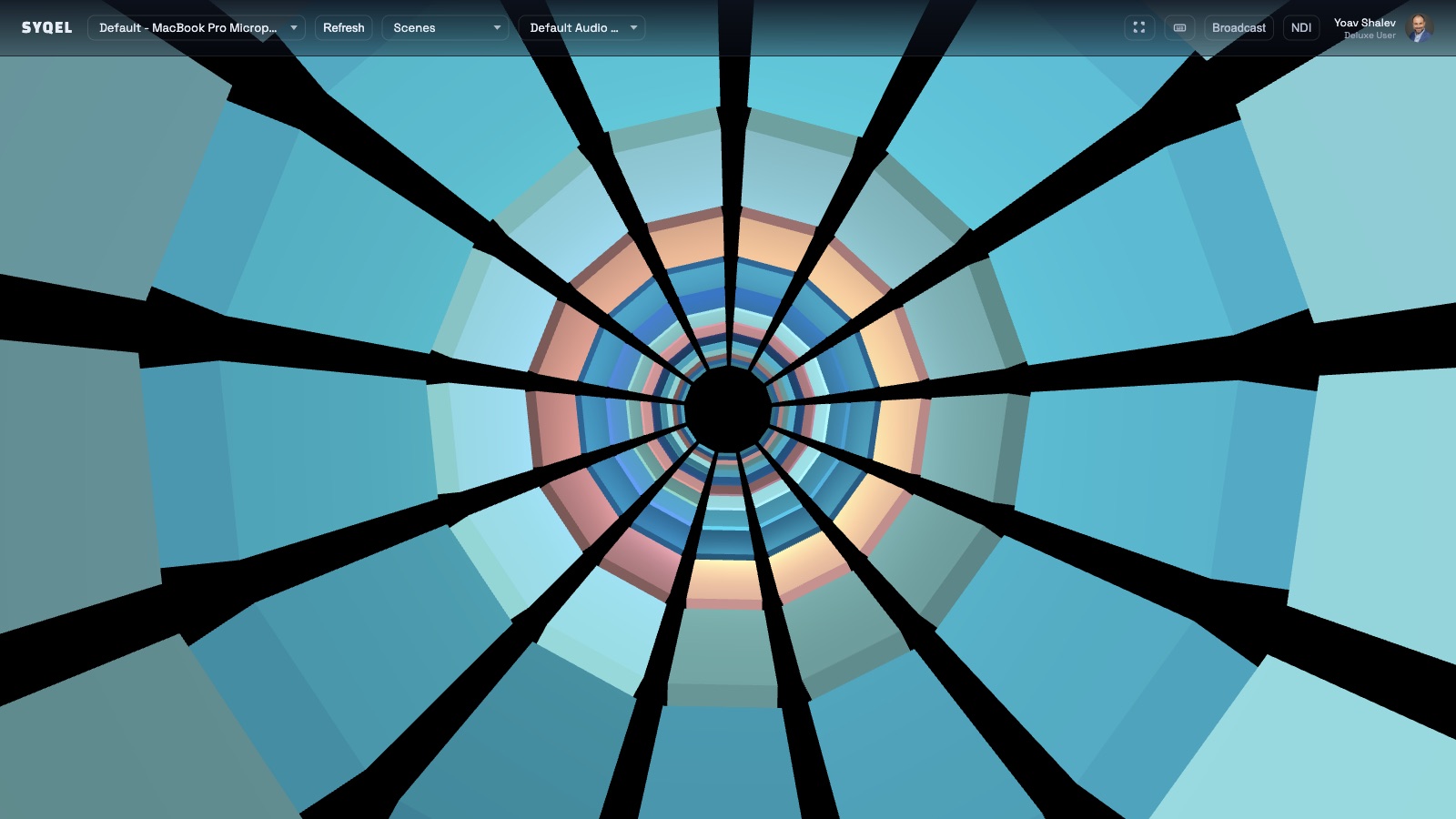
SYQEL runs on macOS alongside GarageBand and converts your recordings into live reactive visuals — a visual companion for producing and a content tool for releasing.
Free to try · Windows & macOS · No card required
Want the show fully automated? SYQEL Live →
GarageBand is where a large number of musicians and creators make their first recordings and produce their first songs. SYQEL is designed to be just as accessible: free to try, no technical knowledge required, and it reacts to whatever your Mac is playing. For GarageBand users who are building an audience on social platforms, SYQEL turns a finished track into reactive video content that performs better on Reels and TikTok than a static image or waveform. For those still in the production phase, it adds a visual layer to the mixing process that makes the energy of a recording immediately tangible.
How SYQEL works with GarageBand
Open SYQEL on your Mac
No GarageBand plugins or Audio Units required. SYQEL is a standalone macOS app that listens to your Mac's system audio or audio interface output.
Play your GarageBand project
SYQEL reads the audio leaving GarageBand in real time. Every beat, chord, and dynamic shift drives the visual engine without any manual input.
Share reactive video content from your tracks
Play a finished GarageBand export, record the reactive visual output, and post the video to Instagram Reels, TikTok, or YouTube Shorts.
See your production come to life
A reactive visual running alongside GarageBand gives first-time producers a new way to understand the energy and dynamics of what they are building.
Social content that performs
A reactive video of your GarageBand track is far more likely to drive listens and followers than a static graphic — and it takes minutes to produce.
Describe a look, get a shader
No design skills needed. Type a visual mood and SYQEL generates a custom audio-reactive shader that fits the feel of the track.
Free to try on macOS
Like GarageBand, SYQEL's core features are available at no cost — so you can start creating reactive visual content before spending anything.
Frequently asked questions
Does SYQEL work with GarageBand's built-in sounds and drum machines?
Yes. SYQEL reacts to the audio output of your Mac regardless of which GarageBand instruments or loops are in the project. Drums, synths, vocals — anything GarageBand outputs will drive the visuals.
Can I create a music video for my GarageBand song using SYQEL?
You can record the reactive visual output as a video file and combine it with your song in iMovie or any video editor. Many creators use SYQEL this way to produce beat videos and release trailers directly from GarageBand sessions.
Do I need any extra hardware to use SYQEL on a Mac with GarageBand?
No extra hardware is required. SYQEL reads system audio on macOS. If you want to isolate GarageBand's output from other sounds, you can use a free virtual audio device like BlackHole.
Make your sound look as good as it feels.
Every SYQEL is free to try. Answer a few questions and we’ll point you at the right one.