For venues & spaces
A backdrop that reacts to whoever is singing
Static color washes and looping stock footage treat every song the same. SYQEL listens to the room and responds to the actual audio — so the screens behind a quiet ballad look nothing like the screens behind a rowdy group finale.
Free to try · Windows & macOS · No card required
Want full creative control instead? SYQEL Desktop →
Karaoke is participatory entertainment, and the visual energy in the room should match whoever is on the mic. A shy first-timer needs a different backdrop than a table of regulars belting out a rock anthem. SYQEL reads the live audio feed from your system — vocals, backing track, crowd noise — and drives visuals that rise with the energy, pulse with the beat, and settle back down during quiet moments. There are no clips to cue between songs and no operator babysitting the screen. Set up a playlist of high-energy looks, and let the room run itself.
How SYQEL works with karaoke bars
Feed it your karaoke audio
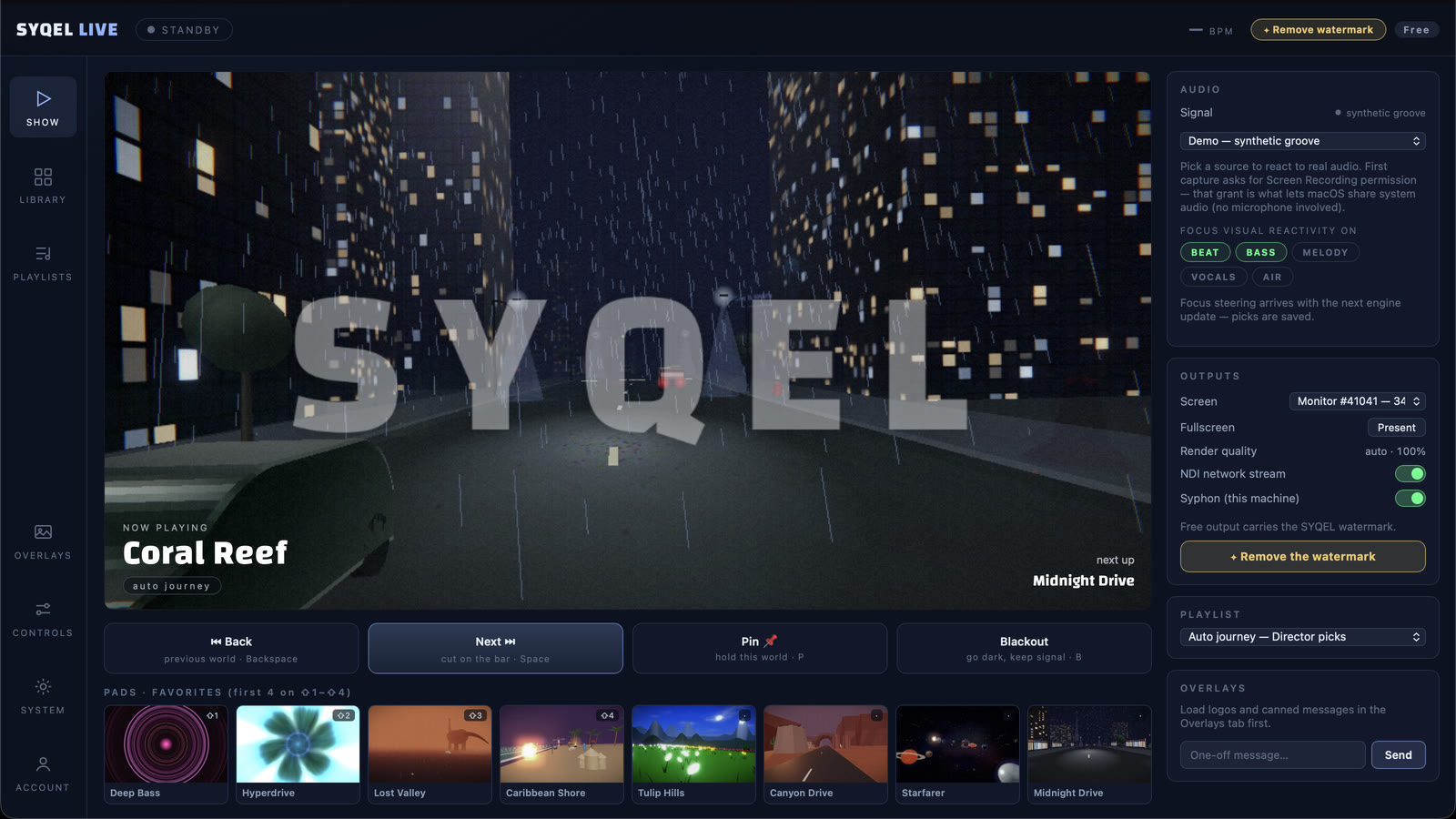
Connect SYQEL to your karaoke system's audio output — a line out from the mixer or the room's PA return — and it starts reading beats, vocals, and crowd energy instantly.
Choose per-room looks
Each private room or the main stage can have its own set of approved visuals — wilder for the main floor, slightly calmer for private booths — saved and ready for staff to run.
Let the night run itself
With a visual playlist active, SYQEL cycles through looks automatically between songs and reacts to each new performer without any manual intervention.
Reacts to every performer
Because it listens to live audio, each singer gets a backdrop that matches their actual energy level — no two songs look identical.
Per-room screen control
Output to individual room screens or a main stage wall independently, so private booths and the open floor each get an appropriate visual mood.
No clips to cue between songs
There are no video files or timelines to manage. Visuals run continuously and react to whatever comes through the audio feed, so transitions are seamless.
Theme nights on demand
Generate a custom look for 80s night, Latin night, or a private party in seconds using the AI visual generator — no design skills needed.
Frequently asked questions
Can SYQEL run on multiple screens in different private rooms?
Yes. You can run separate instances or use NDI to route different visual outputs to different screens. Each room can have its own preset list so staff can set the mood per space without touching the main system.
Will it work with our existing karaoke software and AV setup?
SYQEL outputs over NDI, Spout (Windows), and Mac Screen Share, so it can feed into most AV rigs as a video source. It takes a standard audio input, so any mixer with a line out will work.
What happens between songs when there's no audio?
SYQEL reads the ambient room sound, so low-level crowd noise and chatter still drive subtle movement. You can also set a calm idle visual that activates during quiet moments.
Related setups
Make your sound look as good as it feels.
Every SYQEL is free to try. Answer a few questions and we’ll point you at the right one.